
Installation on a VPS
A VPS server can be viewed as a remote PC, usable from your own PC or independently.
The installation and use of Merlin Backoffice ® Flex on a VPS is permitted and possible from version 4 onwards, provided you have a BUSINESS licence.
Advantages of using Merlin Backoffice ® Flex on a VPS
-Operates 24 hours a day.
-Frees up your machine for other uses.
-No limit on the number of users (please note, users must be from the same company).
-Single installation and configuration for all users.
-Can be used from any type of machine (MAC, Linux, etc.).
-Economical. -Perfect for scheduled import tasks, scheduled automated scenarios, control from automation tools such as Zapier, Make or N8N.
Where to rent a VPS, which model?
There is a very wide choice available, both from companies specialising in this type of solution, such as Contabo, and from more generalist hosting providers.
Prices vary depending on the power of the machine rented, from less than £10 to more than £100 per month. A VPS costing around £15 is usually sufficient.
For our tests, we used the VPS-1 and VPS-2 packages from OVH, the largest French hosting provider (we are not affiliated with them, and there are no sponsored links here). This is only an example, not necessarily the best option or a recommendation, as we have not carried out any comparative tests:
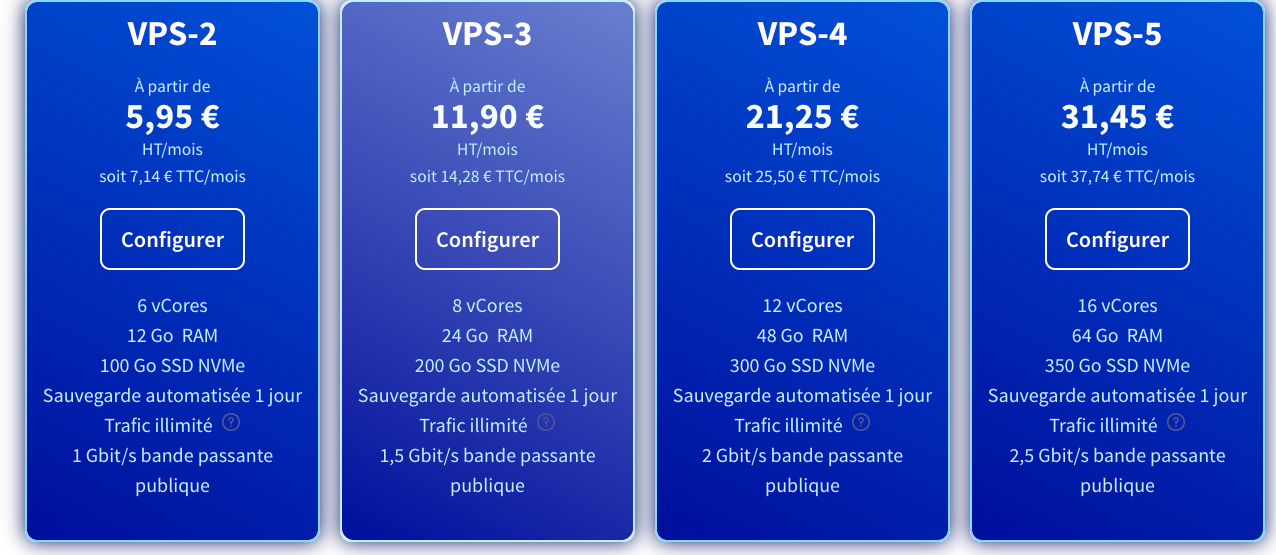
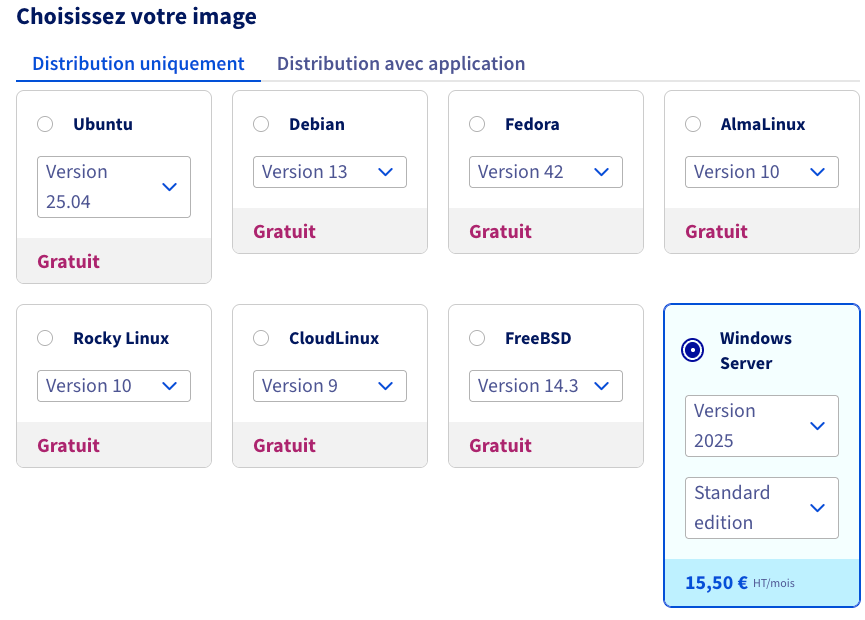
Beyond the server's power, characterised by the number of cores, memory, bandwidth, etc., what is essential when making your choice is the operating system pre-installed on the machine. Choose only Windows, the only OS natively supported by Merlin Backoffice® Flex.
This brings the price up to around £15/month, which is still very reasonable:
For the next steps, installation, launch, etc., we recommend that you read the documentation provided by your chosen supplier, as this can vary greatly, and they do it better than we do.
Usage
Accessing your VPS will depend on your own machine.
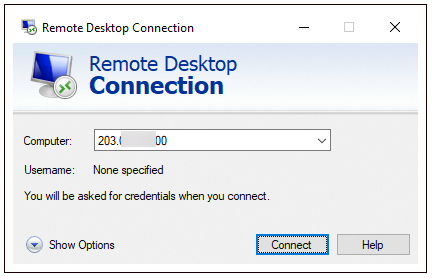
If you are working on a Windows PC, you will use the Microsoft ‘Remote Desktop Connection’ application.
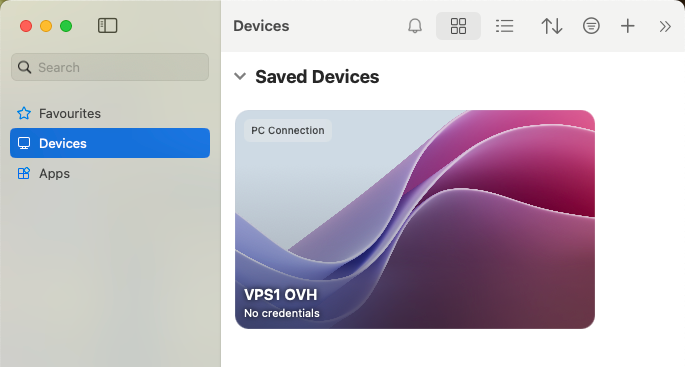
If you are working on a MAC, you will use the ‘Microsoft App’ application, which can be downloaded for free from the Apple Store. You will need to configure it by following the documentation provided by your VPS host, so that your remote machine appears as shown below:
Once connected to your VPS, it looks as if you have a second PC/Windows 11 in a window on your own PC, Mac or Linux. Here is a Windows 11 VPS-1 on a Mac Book, on which we have installed the first beta version V4 of Merlin Backoffice (the look has changed since then :-) ):
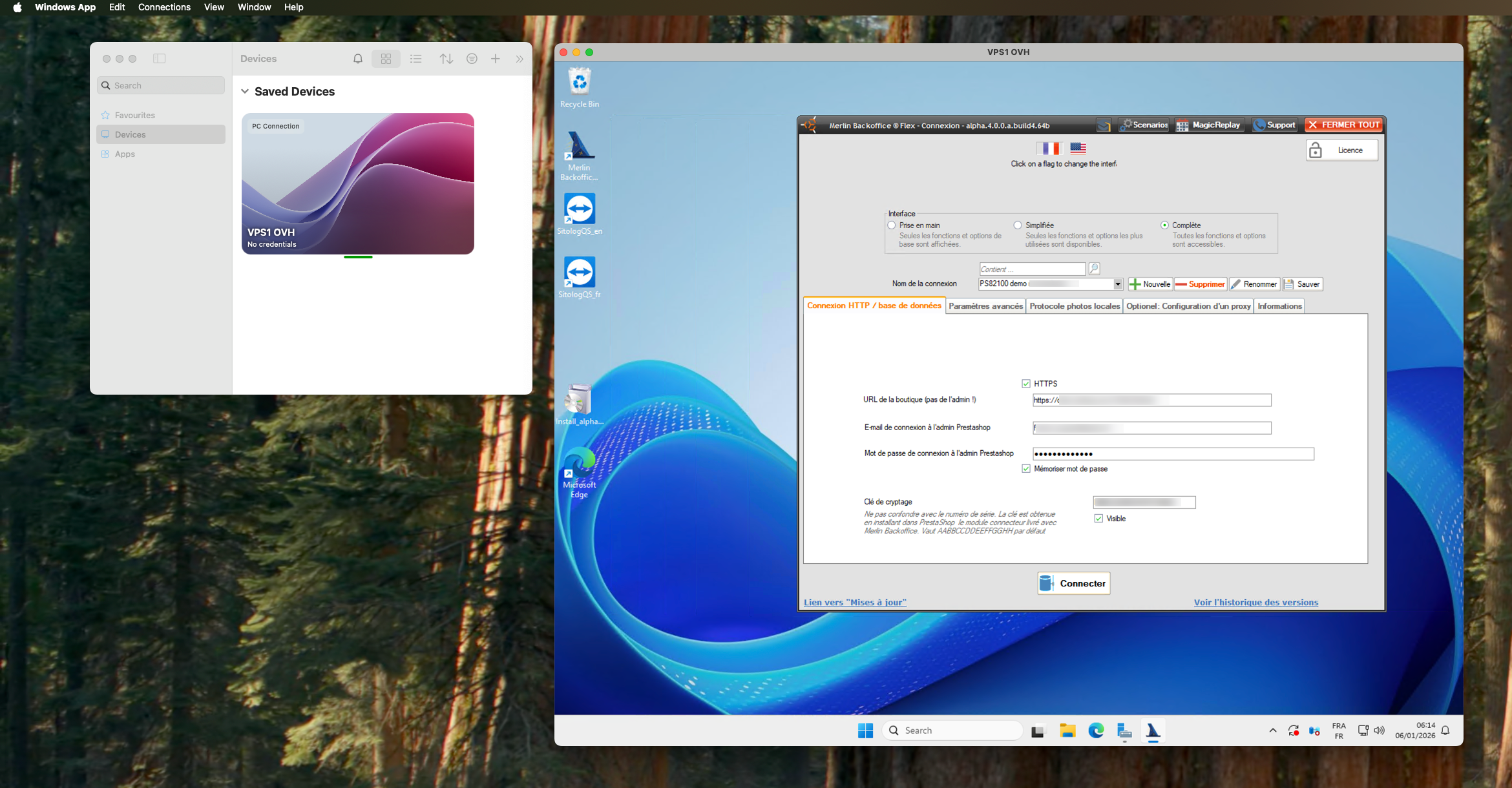
You can log out of the VPS, switch off your PC or MC, and the VPS will remain active, with Merlin open... 100% available for your users or to be controlled by N8N, for example.
Category's other articles Automation
-
Automatisation, le tutoriel video complet
-
Steering with N8N
Tuto
How to automate scenario replays on PrestaShop with N8N and Merlin Backoffice Flex
-
Command line launch
Guide
To automate the management of your PrestaShop catalogue, you can launch Merlin Backoffice Flex from the command line.